
Keep the best shot. Clear the rest.
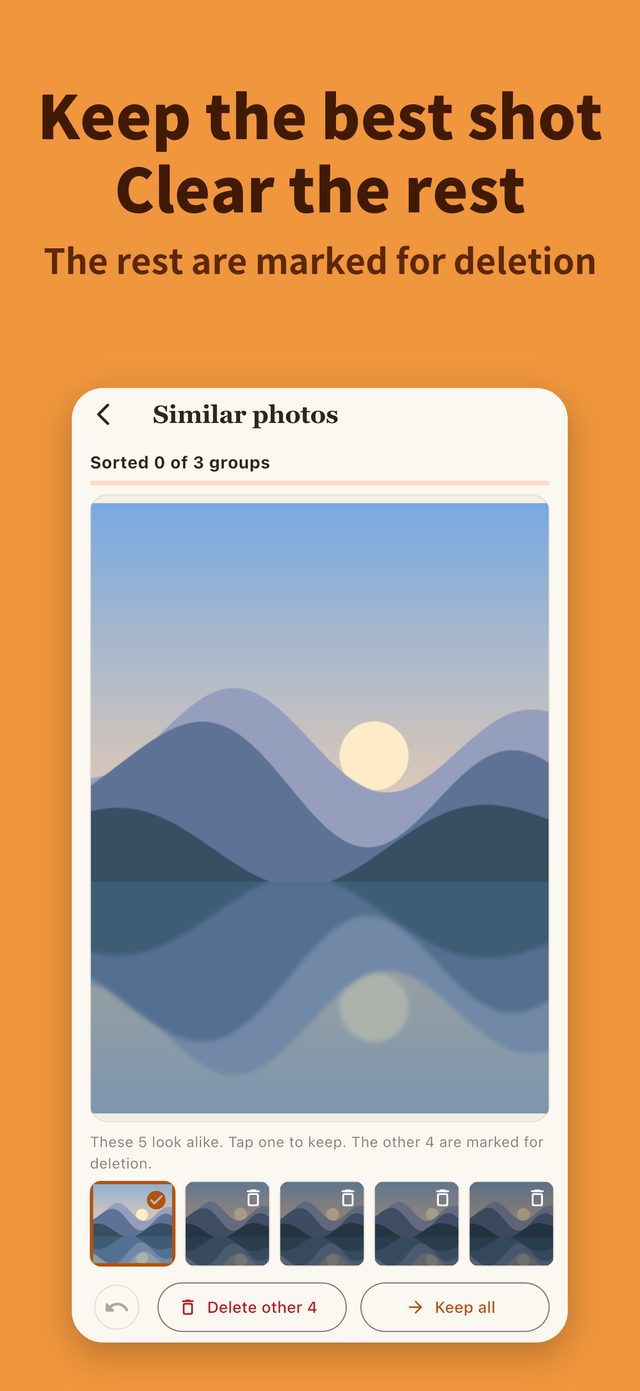
Keep one photo from each group of similar shots or bursts. Sort large videos, biggest first. Matching runs on your phone, and photos and videos are never uploaded.
How screenshot cleanup works
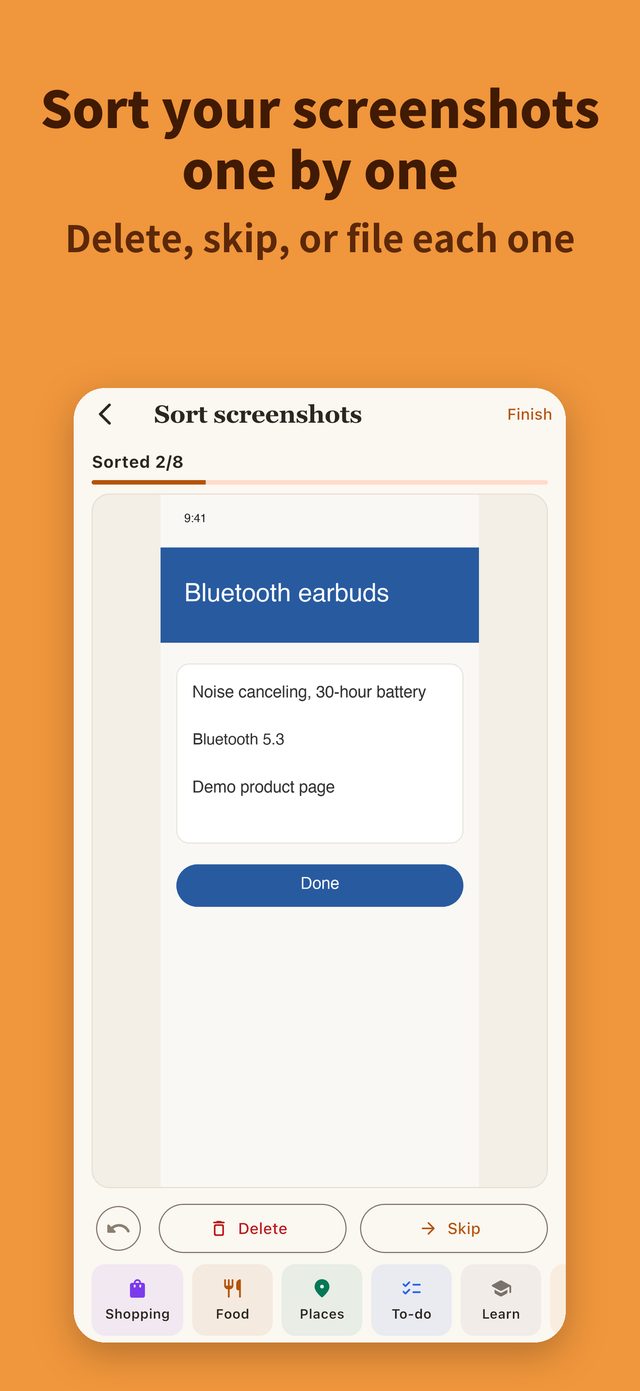
Swipe to sort
Swipe left to delete, right to skip, or file useful ones into folders like Food, Shopping, or Places. iOS confirms before deleting, and deleted items go to Recently Deleted first.
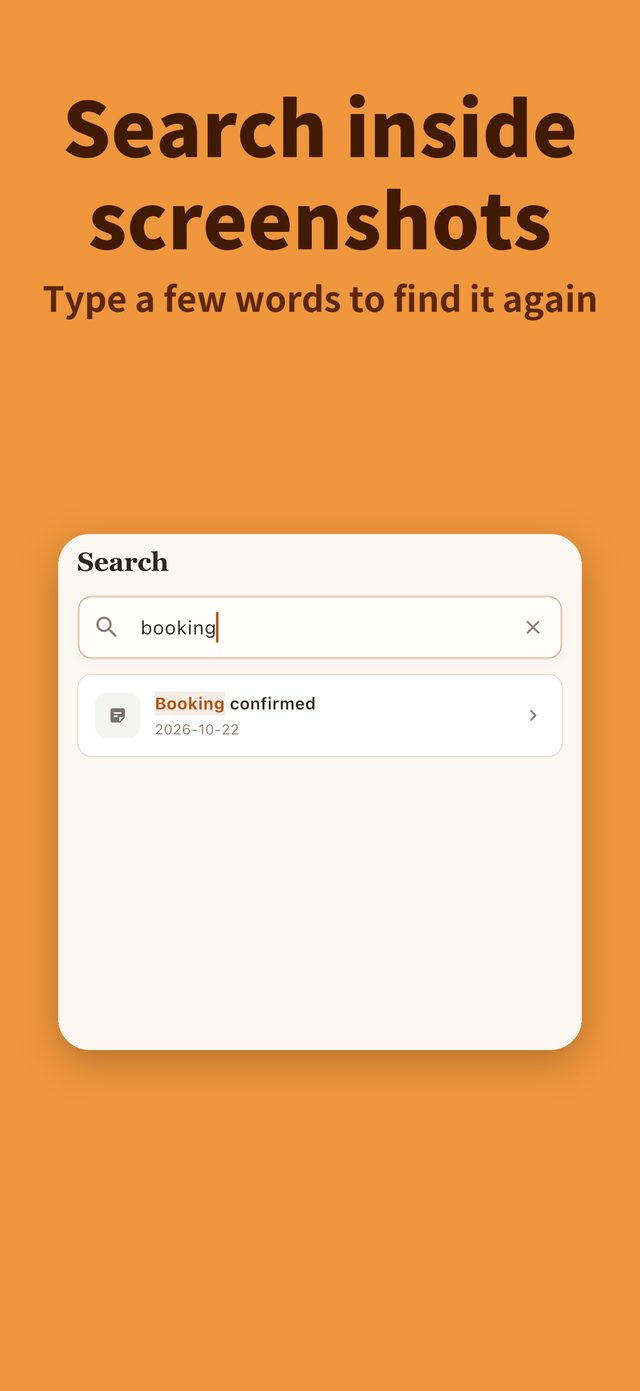
Find it by its text
Text in filed screenshots is recognized on your phone. Later, type a few words in Search to find that screenshot.
Dates to Calendar
A screenshot with a booking, event, or due date can go to Calendar in one tap, or get a reminder the day before.
Your library and your links
Similar photos and large videos usually take the most space. Articles you read can keep their key points with AI.
Similar photos & bursts
Keep one from each group and mark the rest for deletion. Similar photos need iOS 17 or later.
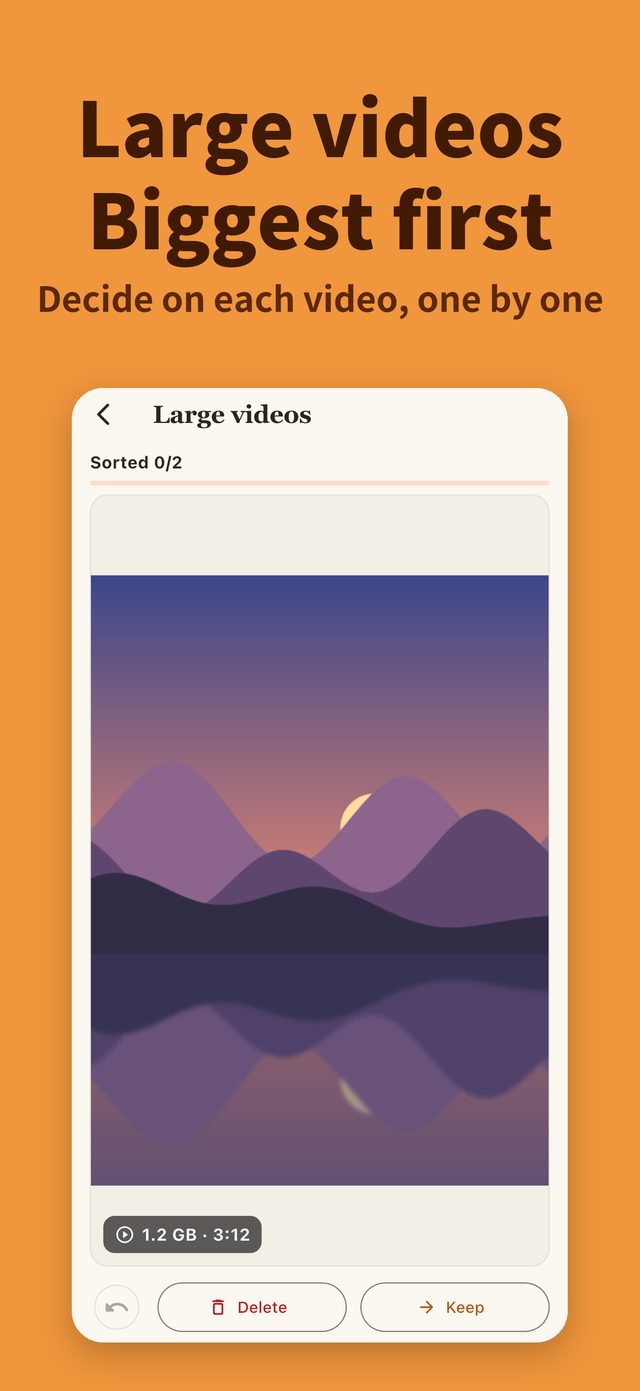
Large videos
Start from the largest and decide on each one.
AI for links
Share articles and posts in, and AI writes a summary, key insight, and tags.
Ask in one sentence
AI answers only from what you saved, and shows the source.
Two things you may care about
Photos and videos stay on your phone
Similar-photo and large-video matching runs on your phone and is never sent to AI. Screenshot images stay on this phone too.
Read the privacy policyThe read-it-later disease
Saving takes one second. Coming back is the hard part — that is why this product exists.
Read: read-later is the most polite way to delete somethingWho it isn't for
Said honestly up front, to save you a download.
- People who want to wipe every screenshot in one tap — KofAI lets you decide one by one and never deletes on its own.
- People whose photos live only in iCloud and are not downloaded to the phone — those photos are not compared.
- Teams that need collaboration and permissions — it is a tool for one person, not an enterprise knowledge base.
Pricing
Free
- 50 items a day (screenshots, photos, and videos combined), reset daily
- Up to 50 saved records
- A free daily allowance of AI analysis and chat
Photo Cleanup Lifetime
One-time purchase; price shown in the App Store
- Unlimited screenshot, photo, and video cleanup
- No AI features; does not renew
Pro
US$1.99/month, or US$14.99/year (about 37% off)
- Unlimited cleanup
- Unlimited AI analysis and chat
- Unlimited records
Subscriptions are managed by the App Store, billed in your local currency, and can be cancelled anytime.
A clean library. What matters, findable.
Free to download — sort 50 items a day for free.
Built in the open
How this app was built and rethought, written up as articles.